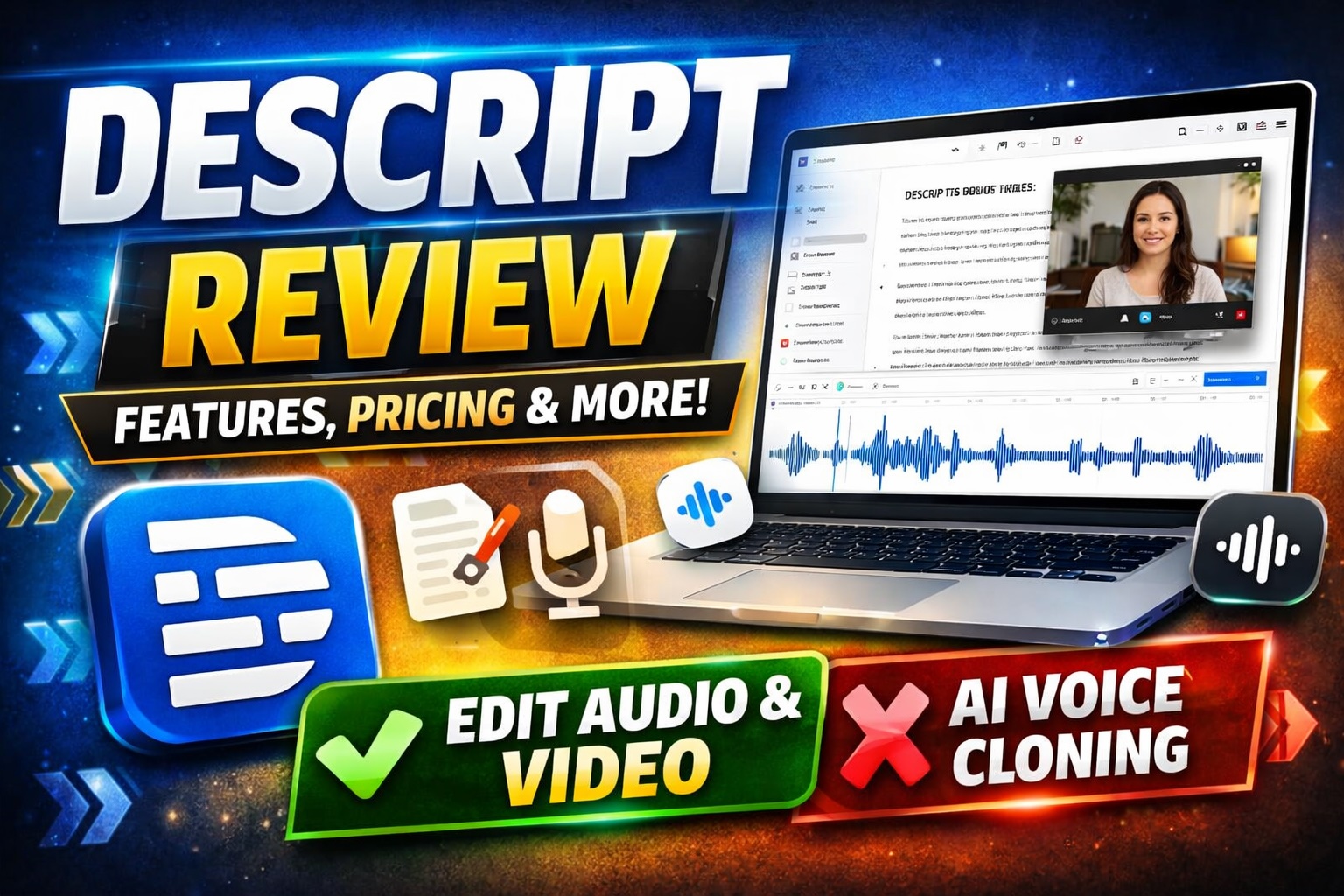
This Descript review takes a detailed, practical look at one of the most talked-about AI-powered audio and video editing tools. If you create podcasts, YouTube videos, or social media content, Descript promises to simplify editing using text-based workflows and automation. In this review, I break down its features, pricing, pros and cons, and whether it is actually worth using in 2026.
What is Descript? Descript is an AI-powered audio and video editing platform that lets users edit media by editing text. It combines transcription, screen recording, podcast production, and AI voice tools into one interface, making it especially useful for creators who want faster, more intuitive editing workflows.
What Is Descript?
Descript is positioned as an all-in-one editing tool for modern content creators. Instead of working on a traditional timeline like Premiere Pro or Final Cut, Descript allows you to edit your audio or video by editing a transcript.
This approach fundamentally changes the editing experience. You can delete filler words, rearrange content, or cut entire sections simply by editing text. The platform then automatically updates the underlying audio or video.
Descript also integrates AI tools such as overdub voice cloning, background noise removal, and automatic transcription. These features make it particularly attractive for podcasters, YouTubers, marketers, and teams producing high volumes of content.
It is important to note that while Descript is powerful, it is not trying to fully replace advanced video editors. Instead, it aims to make content editing faster, simpler, and more accessible for most users.
Descript review: Core Features
Descript’s strength lies in how it combines multiple tools into a single workflow. Below are the core features that define the platform.
Text-Based Editing
The most distinctive feature is text-based editing. Once your audio or video is transcribed, you can edit the content like a document. Deleting a sentence removes it from the media file, and rearranging text restructures your content.
This dramatically reduces editing time, especially for long-form content such as podcasts or interviews.
Automatic Transcription
Descript offers automatic transcription with relatively high accuracy. It supports multiple speakers and allows easy corrections directly in the interface.
For creators who rely on captions or transcripts, this feature alone can save hours of manual work.
Overdub (AI Voice Cloning)
Overdub allows you to create a synthetic version of your voice. You can then type new text and have it generated in your own voice, which is useful for fixing mistakes without re-recording.
This feature is powerful but should be used carefully. It requires voice training and may not always sound perfectly natural in every context.
Studio Sound
Studio Sound enhances audio quality by removing background noise and improving clarity. It works well for recordings made in less-than-ideal environments.
While it does not replace professional audio equipment, it significantly improves average recordings.
Screen Recording and Video Editing
Descript includes built-in screen recording and basic video editing tools. You can record tutorials, presentations, or walkthroughs and edit them within the same platform.
The video editor is not as advanced as dedicated tools, but it is sufficient for most online content.
Filler Word Removal
Descript can automatically detect and remove filler words such as “um” and “uh.” This feature helps clean up speech quickly, especially in podcasts and interviews.
It works well in most cases, although manual review is still recommended for natural flow.
Descript review: Use Cases
Descript is not a one-size-fits-all tool, but it excels in specific scenarios where speed and simplicity matter.
- Podcast production: Record, transcribe, edit, and publish episodes in one place.
- YouTube content: Quickly edit talking-head videos and tutorials.
- Marketing teams: Create social clips, webinars, and internal content efficiently.
- Course creators: Produce educational videos with minimal editing complexity.
- Remote teams: Collaborate on audio and video projects without complex software.
For highly cinematic or complex editing, traditional tools may still be necessary. However, for most content workflows, Descript offers a strong balance between power and ease of use.
Descript Pricing
Descript pricing is structured across multiple tiers, typically including a free plan and several paid options. Pricing may change, so it is best to verify directly on the official website.
- Free plan: Limited transcription hours and basic features. Suitable for testing the platform.
- Creator plan: Adds more transcription hours and access to advanced tools like overdub and studio sound.
- Pro plan: Includes higher limits, better export options, and more advanced editing features.
- Enterprise: Custom pricing for teams with collaboration and administrative needs.
Overall, Descript pricing is competitive considering the number of tools included. However, heavy users may need higher-tier plans to avoid limitations on transcription and processing.
Descript Pros and Cons
Pros
- Text-based editing significantly speeds up workflows
- All-in-one platform for audio, video, and transcription
- Strong AI features like overdub and filler word removal
- Beginner-friendly compared to traditional editing tools
- Good collaboration features for teams
Cons
- Not as powerful as advanced video editors
- Transcription accuracy can vary depending on audio quality
- Overdub may sound unnatural in some cases
- Pricing can increase quickly for heavy users
The pros clearly outweigh the cons for most creators, but expectations should be aligned with the tool’s intended use.
Descript vs Competitors
To properly evaluate Descript, it is important to compare it with other tools in the same space.
Descript vs Adobe Premiere Pro
Adobe Premiere Pro is a professional-grade video editor with extensive capabilities. It offers far more control over visuals, effects, and timelines.
However, it comes with a steep learning curve and requires more time to complete basic edits. Descript, on the other hand, focuses on speed and simplicity.
If your priority is high-end production, Premiere Pro is the better choice. If you want efficiency and ease of use, Descript is more practical.
Descript vs CapCut
CapCut is a popular free video editor with strong mobile and desktop capabilities. It offers templates, effects, and quick editing tools.
While CapCut excels in visual editing and short-form content, it lacks the deep transcription and text-based editing features that define Descript.
For social media visuals, CapCut may be better. For content that relies on spoken word, Descript has a clear advantage.
Other alternatives include tools like Riverside for recording and Audacity for audio editing, but none combine the same workflow in a single platform.
FAQ
Is Descript worth it for beginners?
Yes, Descript is particularly beginner-friendly. Its text-based editing removes much of the complexity associated with traditional tools. Most users can learn the basics quickly without prior editing experience.
How accurate is Descript transcription?
Transcription accuracy is generally good but depends on audio quality and accents. Clean recordings produce the best results, while noisy environments may require manual corrections.
Can Descript replace professional editing software?
Descript can replace traditional tools for many workflows, especially podcasts and simple videos. However, for complex editing, advanced software like Premiere Pro is still more capable.
Does Descript support team collaboration?
Yes, Descript includes collaboration features that allow teams to edit and comment on projects. This makes it useful for remote teams and content agencies.
Is Descript good for YouTube creators?
Descript works well for YouTube creators who focus on talking-head videos, tutorials, or educational content. For highly edited cinematic videos, other tools may be more suitable.
Is Descript Worth It?
Descript is worth it for creators who prioritize speed, simplicity, and efficiency. It reduces the friction of editing and allows users to focus more on content creation rather than technical workflows.
It is especially valuable for podcasters, marketers, and educators who produce large volumes of spoken content. For advanced video editors, it may serve as a complementary tool rather than a replacement.
Overall, Descript fills a clear gap in the market by making editing more accessible without sacrificing essential functionality.
Final Verdict
Overall Rating: ★★★★☆ (4.5 / 5)
Descript stands out as one of the most practical tools for modern content creation. Its text-based editing, AI features, and all-in-one workflow make it a strong choice for anyone producing audio or video regularly.
While it does not replace high-end editing software, it significantly reduces the time and effort required for most content workflows. For the right user, it is a highly efficient solution.
👉 Try Descript here and see if it fits your workflow