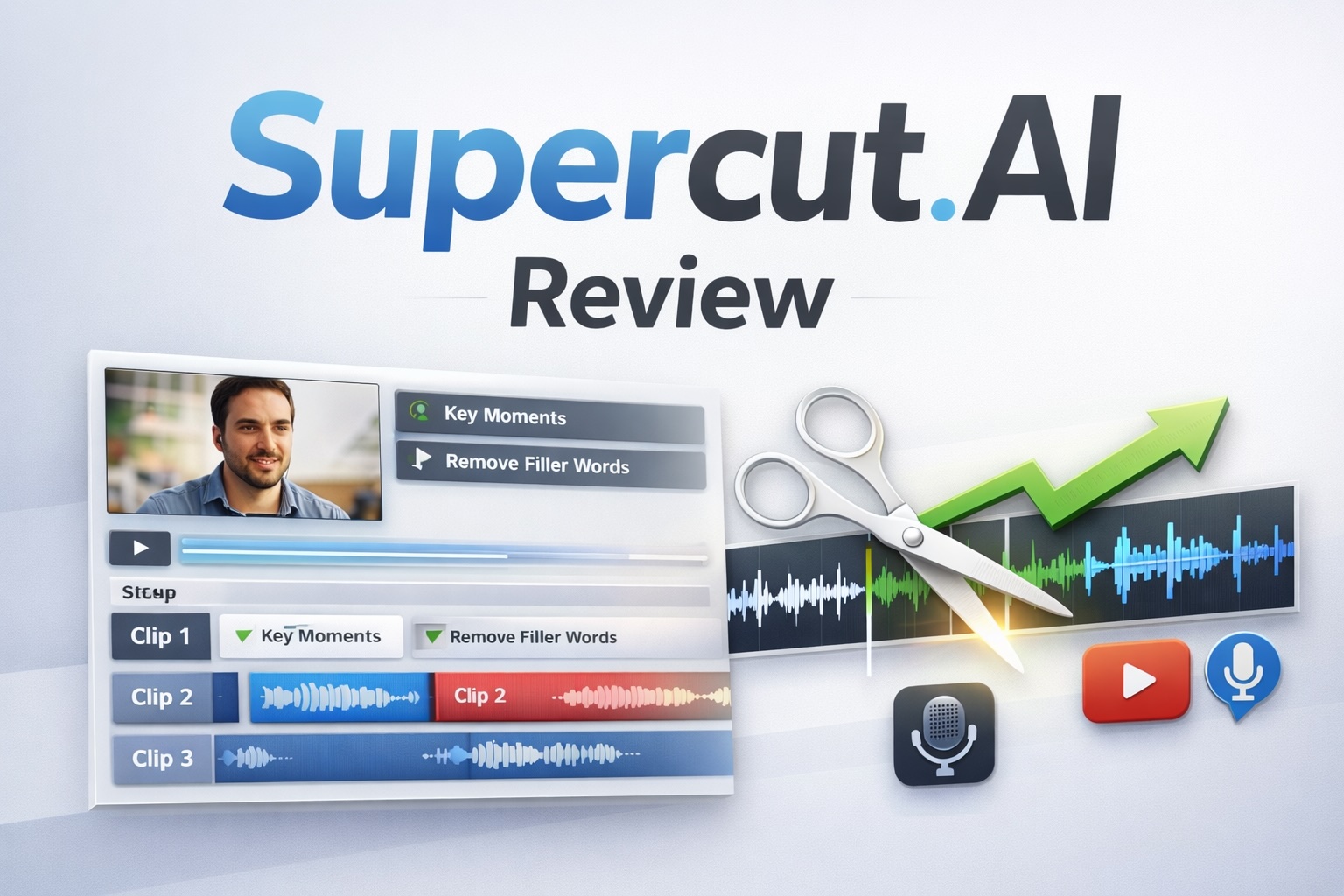
You are in the right place if you want an honest Supercut.AI review. This article covers everything you need to know about Supercut in 2026. We look at its core features, pricing, and how it compares to tools like Loom and Screen Studio. Whether you are evaluating it for your team or just exploring your options, read on for a clear, grounded assessment.
What Is Supercut.AI?
Supercut is an AI-powered video messaging and screen recording platform built for professional teams. Users record their screen and camera in up to 4K resolution, apply AI-driven editing, add custom branding, and share videos instantly via trackable links. The platform targets sales teams, product teams, customer success professionals, and agencies. It suits anyone who needs to communicate visually without spending time on manual video editing.
Supercut.AI Review: Core Features
Supercut delivers on a focused promise: record fast, look polished, share instantly. Here is a breakdown of what the platform currently offers.
AI-Powered Auto-Edit
The Auto-Edit function scans your recording after you finish. It removes filler words, awkward pauses, and minor errors without any manual input. This cuts post-production time significantly for everyday screen recordings.
Auto-Chapters and Summaries
Supercut uses AI to break longer recordings into labelled chapters. Viewers click directly to any section they want. This works well for product walkthroughs, onboarding videos, and technical tutorials. The platform also generates automatic titles and summaries for each recording.
4K Recording on macOS and Windows
Supercut offers native desktop apps for both macOS and Windows. The recording engine supports up to 4K resolution. Multi-stream capture lets you record your screen and camera at the same time. Users report that the apps run with low resource consumption and rarely slow down other applications during recording.
Branding and Custom Layouts
Teams can upload their logo, pick from multiple pre-designed layouts, and configure colour themes. Every video then reflects a consistent brand identity. On paid plans, users can also remove the Supercut badge from the player.
Transcription, Captions, and Multi-Language Support
Supercut generates automatic closed captions for every recording. It supports multi-language transcription, which helps teams share content with international audiences or clients who prefer to read along.
Call-to-Action Buttons and Engagement Analytics
Users can embed clickable call-to-action buttons directly inside the video player. The platform tracks visitor statistics and engagement metrics. Senders can see who watched a recording and how far through the content each viewer progressed.
Team Collaboration
Supercut supports timeline-based comments and reactions. Teams can set permissions and share workspaces. Unlimited viewer seats come included, so recipients do not need a paid account to watch or comment on a shared recording.
Additional Tools
Other features include background noise reduction, volume balancing, virtual backgrounds, background cut-out for camera footage, password-protected sharing links, semantic search across recorded content, and an AI Assistant that generates documentation or summaries from video content.
Supercut.AI Review: Use Cases
Supercut fits several distinct professional contexts. Knowing where it performs best helps you decide whether it suits your workflow.
- Sales and outreach: Sales teams create short, branded video pitches and product demos for outbound campaigns. CTA buttons and engagement tracking show whether a prospect actually watched the video.
- Product teams: Product managers and developers share feature updates, walk through internal builds, and record bug reports. A recorded walkthrough is often clearer than a written description.
- Customer success and support: Support teams record step-by-step walkthroughs for customers. This reduces back-and-forth and gives customers a visual reference they can replay.
- Async team communication: Teams use Supercut to replace short internal calls with recorded walkthroughs. Some teams report a substantial reduction in meeting load through consistent async video use.
- Onboarding and training: Educators and HR teams produce structured onboarding content. The auto-chapter feature makes longer recordings easier for new hires to navigate.
Supercut.AI Pricing
Supercut offers two tiers: Pro and Enterprise. The Pro plan costs $15 per seat per month on an annual billing cycle. A free trial is available with no credit card required.
The Pro plan includes all core AI features, unlimited sharing, 4K recording, branding tools, analytics, team collaboration, and unlimited viewer seats. Third-party reviewers have noted early access discounts of 20 to 30 percent at various points, though these appear to be time-limited promotions rather than standard pricing.
Enterprise pricing is available on request. It targets larger organisations with specific requirements around permissions, security, and custom domains. Supercut holds SOC 2, ISO 27001, and GDPR certifications, which matters for enterprise buyers in regulated industries.
At $15 per seat per month, Supercut sits at a competitive price point. Whether it represents good value depends on how often your team would use it to replace meetings or manual video work.
Supercut.AI Pros and Cons
Pros
- Clean, well-designed interface: Supercut earns consistent praise for its visual polish. The recording workflow is fast and the player looks professional with no manual design effort.
- Practical AI automation: Auto-Edit, Auto-Chapters, automatic captions, and AI-generated summaries genuinely cut the time needed to turn a raw recording into something worth sharing.
- Strong branding controls: Custom layouts, logos, and themes set Supercut apart for agencies and design-driven teams that need consistent visual output.
- Engagement analytics and CTA buttons: Built-in tracking and embeddable calls to action add real value for sales and marketing use cases.
- Accessible pricing with a low-risk trial: At $15 per seat per month on an annual plan, the cost suits small and mid-size teams. The no-credit-card free trial lowers the barrier to testing it.
- Compliance certifications: SOC 2, ISO 27001, and GDPR certification genuinely helps enterprise buyers and anyone handling sensitive business content.
Cons
- Limited manual editing tools: Supercut lists a full editor as coming soon. Users who need fine-grained timeline control must currently export to a separate editing tool. This is a real gap for anyone who wants one platform for everything.
- No Linux support or mobile recording app: Supercut supports macOS and Windows natively. Teams with Linux users, or those who need to record from a phone, will hit a wall here.
- Occasional bugs as an early-stage product: Multiple reviewers on third-party platforms note instability in earlier releases. The core experience appears reliable, but users should expect some rough edges while the product matures.
Supercut.AI vs Competitors
Supercut competes in a market alongside tools like Loom and Screen Studio. Here is how it stacks up against each.
Supercut vs Loom
Loom holds the largest share of the async video messaging market. It offers screen and camera recording, instant sharing, basic editing, and team collaboration. Users who have switched to Supercut from Loom frequently cite better design quality, stronger branding tools, and a more refined recording experience. Loom has a longer track record, a broader set of integrations, and a more developed free tier. Teams already satisfied with Loom may not find a compelling reason to switch immediately. Teams that prioritise visual presentation and branded output will find Supercut a credible step up.
Supercut vs Screen Studio
Screen Studio is a macOS-only screen recording tool popular among developers and designers. It produces visually polished recordings with animated zoom effects and smooth cursor tracking. However, Screen Studio targets individual creative users rather than teams. It lacks Supercut’s sharing infrastructure, engagement analytics, branding layers, team permissions, and AI features. If you create tutorials or public-facing demos as a solo creator, Screen Studio is strong. If your priority is team communication, client updates, and trackable sharing, Supercut covers more ground.
Supercut fits teams that need fast, branded, AI-assisted video with built-in distribution and analytics. It suits that use case better than either Loom or Screen Studio at this stage.
Frequently Asked Questions About Supercut.AI
Does Supercut offer a free plan?
Supercut offers a free trial with no credit card required. There is no permanently free plan covering the full feature set. After the trial, some limited features may remain available in a standby mode. Check the Supercut help centre for the most current details on what stays free.
What platforms does Supercut support?
Supercut provides native recording apps for macOS and Windows. A Chrome extension also supports browser-based recording. There is no Linux client and no dedicated mobile recording app at this time. Viewers can watch shared recordings in any browser regardless of their operating system.
Is Supercut worth it for small teams?
For small teams that rely on video for client work, sales outreach, or internal updates, the $15 per seat per month price on an annual plan is reasonable. The free trial removes the financial risk from evaluating it. Teams that record video only occasionally may find it harder to justify the ongoing cost.
How does Supercut’s AI editing work?
The Auto-Edit feature analyses a finished recording and removes filler words, long pauses, and minor errors. The Auto-Chapters feature divides longer recordings into labelled, clickable sections. Both tools save editing time. They do not replace a full non-linear editing workflow. A manual editor with finer controls appears on the platform’s upcoming features list.
Does Supercut integrate with other tools?
Supercut currently lists integrations with Flodesk, Framer, Perplexity, Superlist, Visual Electric, and Window Designer. The integration ecosystem is still growing compared to more established platforms. Enterprise buyers should confirm specific integration requirements directly with Supercut before purchasing.
Is Supercut.AI Worth It?
Based on verified user feedback and the platform’s documented feature set, Supercut is a well-built product. It delivers a noticeably polished experience compared to older tools in the same category. Its AI features save real time for teams that produce screen recordings regularly.
The main limitations are the missing manual editor, limited platform support beyond macOS and Windows, and the occasional instability typical of a young product. These matter for specific users but are unlikely to affect the core target audience.
At $15 per seat per month on an annual plan, with a no-credit-card trial available, the evaluation risk is low. Sales, product, customer success, and design-focused teams are most likely to find the investment worthwhile.
Final Verdict
Supercut is a focused AI video messaging platform. It stands out through strong visual quality, practical branding controls, and time-saving AI automation. It is not the most feature-complete video tool on the market, but it leads its category for its intended use case.
If your team communicates regularly through screen recordings and wants faster, more professional output without a steep learning curve, Supercut deserves a serious look.
Overall Rating: ★★★★☆ (4.0 / 5)
👉 Try Supercut here and see if it fits your workflow