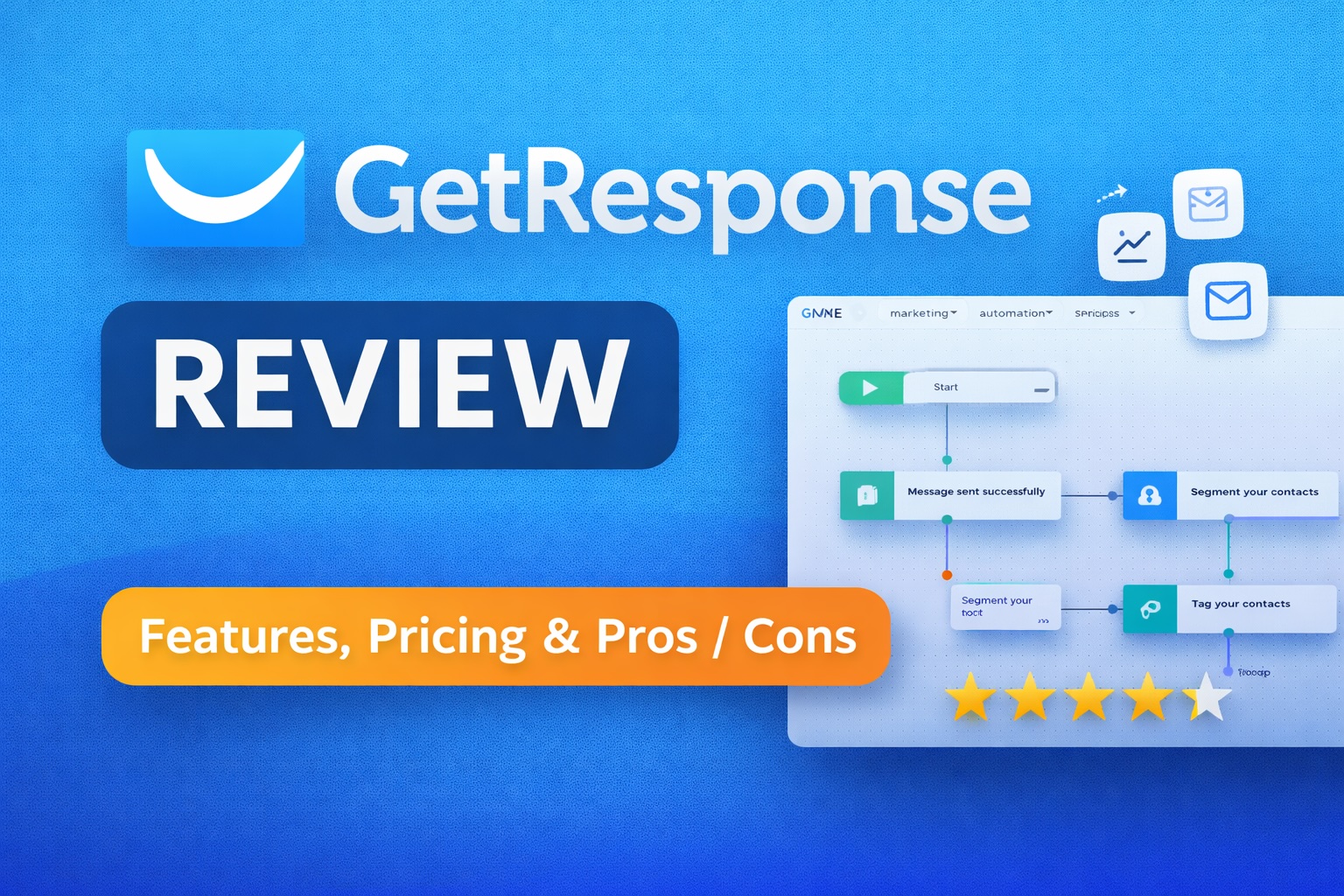
If you are looking for an all-in-one marketing platform, this GetResponse review will help you understand whether it actually delivers on that promise. Email marketing tools are no longer just about newsletters, and GetResponse has expanded into automation, funnels, and even webinars. But does it justify its positioning in 2026?
GetResponse is an all-in-one digital marketing platform that combines email marketing, automation workflows, landing pages, and sales funnels into a single system. It is designed to help businesses capture leads, nurture audiences, and convert customers without relying on multiple disconnected tools.
What Is GetResponse?
GetResponse started as a traditional email marketing tool but has gradually evolved into a broader marketing suite. Today, it positions itself as a platform where you can manage most of your customer communication and acquisition workflows in one place.
At its core, it still offers email campaigns and list management. However, the platform now includes automation builders, landing page creation, webinar hosting, and conversion funnels. This makes it particularly appealing to small and medium-sized businesses that want fewer tools and simpler integrations.
For users who are used to piecing together multiple SaaS tools, GetResponse attempts to simplify that stack. Whether it succeeds depends largely on how advanced your needs are.
GetResponse review: Core Features
The main strength of GetResponse lies in how many functions it brings under one roof. Below are the most important features to understand before deciding if it fits your workflow.
Email Marketing
Email marketing remains the foundation of GetResponse. You can build newsletters using a drag-and-drop editor, segment your audience, and schedule campaigns. The editor is relatively intuitive, although not the most flexible compared to more design-focused tools.
Marketing Automation
The automation builder is one of the platform’s standout features. It allows you to create workflows based on user behavior, such as email opens, clicks, or purchases. These workflows can become quite advanced, making it possible to run complex nurturing sequences without manual intervention.
Conversion Funnels
GetResponse includes pre-built funnel templates for lead generation, sales, and webinars. These combine landing pages, email sequences, and checkout pages into one system. For beginners, this reduces setup time significantly.
Landing Pages
You can build landing pages directly within the platform. While the templates are functional, they are not as modern or customizable as specialized landing page tools. That said, they integrate seamlessly with email and automation features.
Webinars
One unique feature is built-in webinar hosting. This allows you to run live sessions without external tools. It is particularly useful for educators, coaches, and SaaS companies running demos.
AI Tools
GetResponse has introduced AI-assisted content generation for emails and subject lines. These tools can help speed up campaign creation, but they are still relatively basic compared to dedicated AI writing platforms.
GetResponse review: Use Cases
GetResponse is not designed for one specific type of user. Instead, it targets a broad range of marketing needs. Here are the most common use cases where it performs well.
- Email marketing for small businesses who want a simple but capable system
- Lead generation funnels without needing separate funnel software
- Online course creators using webinars and automated sequences
- Ecommerce stores that need basic automation and campaigns
- Agencies managing multiple campaigns with moderate complexity
However, for highly advanced segmentation or enterprise-level automation, some users may find the platform limiting compared to more specialized tools.
GetResponse Pricing
GetResponse pricing is tiered based on features and list size. The platform offers several plans, typically including Email Marketing, Marketing Automation, and Ecommerce Marketing tiers.
- Email Marketing plan for basic campaigns and newsletters
- Marketing Automation plan unlocking advanced workflows
- Ecommerce Marketing plan with additional sales features
- Max plans for enterprise-level users
Pricing increases as your subscriber list grows, which is standard for this category. Compared to competitors, it sits in a mid-range position. It is not the cheapest option, but it can replace multiple tools, which may justify the cost.
There is also a free plan available with limited features, which is useful for testing the platform before committing.
GetResponse Pros and Cons
Pros
- All-in-one platform reduces need for multiple tools
- Strong automation builder with visual workflows
- Built-in webinar functionality, which is uncommon
- Easy to get started with templates and guided funnels
- Reasonable pricing relative to feature set
Cons
- Landing page builder lacks advanced design flexibility
- Interface can feel cluttered due to many features
- Some advanced features only available on higher-tier plans
- AI tools are still basic compared to specialized platforms
GetResponse vs Competitors
To understand whether GetResponse is worth it, it helps to compare it with other well-known platforms.
GetResponse vs Mailchimp
Mailchimp is one of the most recognized email marketing tools. It offers a cleaner interface and strong branding tools. However, GetResponse provides more built-in features like webinars and funnels, making it a better choice for users who want an all-in-one solution.
GetResponse vs ActiveCampaign
ActiveCampaign is known for its advanced automation capabilities. It is often preferred by experienced marketers who need deep customization. GetResponse, on the other hand, is easier to use and more accessible, though slightly less powerful in automation depth.
In short, GetResponse sits between simplicity and capability. It is more feature-rich than basic tools but less complex than high-end automation platforms.
FAQ
Is GetResponse worth it in 2026?
For small to medium-sized businesses, GetResponse is worth it if you want an all-in-one marketing platform. It can replace several tools, which simplifies workflows. However, advanced users may still prefer more specialized platforms.
How to use GetResponse?
Getting started involves creating a list, building an email campaign, and setting up automation workflows. The platform includes templates and guided setups, which make the onboarding process relatively smooth.
Does GetResponse have a free plan?
Yes, GetResponse offers a free plan with limited features. It is suitable for testing the platform but not for scaling advanced campaigns.
What are the best GetResponse alternatives?
Common alternatives include Mailchimp, ActiveCampaign, and ConvertKit. The best choice depends on whether you prioritize simplicity, automation depth, or creator-focused tools.
Is GetResponse good for ecommerce?
GetResponse offers ecommerce features such as automation and funnels, which can support online stores. However, it may not replace dedicated ecommerce platforms or advanced CRM systems.
Is GetResponse Worth It?
Whether GetResponse is worth it depends on your expectations. If you want a single platform to manage email marketing, automation, and basic funnels, it offers strong value. It simplifies your stack and reduces the need for integrations.
However, if you need highly advanced automation or cutting-edge design tools, you may outgrow it. In that case, more specialized platforms might be a better fit.
Overall, GetResponse strikes a balance between usability and functionality. It is not the most advanced tool, but it is one of the most practical for everyday marketing workflows.
Final Verdict
GetResponse remains a solid choice in 2026 for businesses that want an integrated marketing solution without unnecessary complexity. It delivers reliable email marketing, useful automation, and additional tools like webinars that are rarely included in competitors.
Overall Rating: ★★★★☆ (4.2 / 5)
👉 Try GetResponse here and see if it fits your workflow