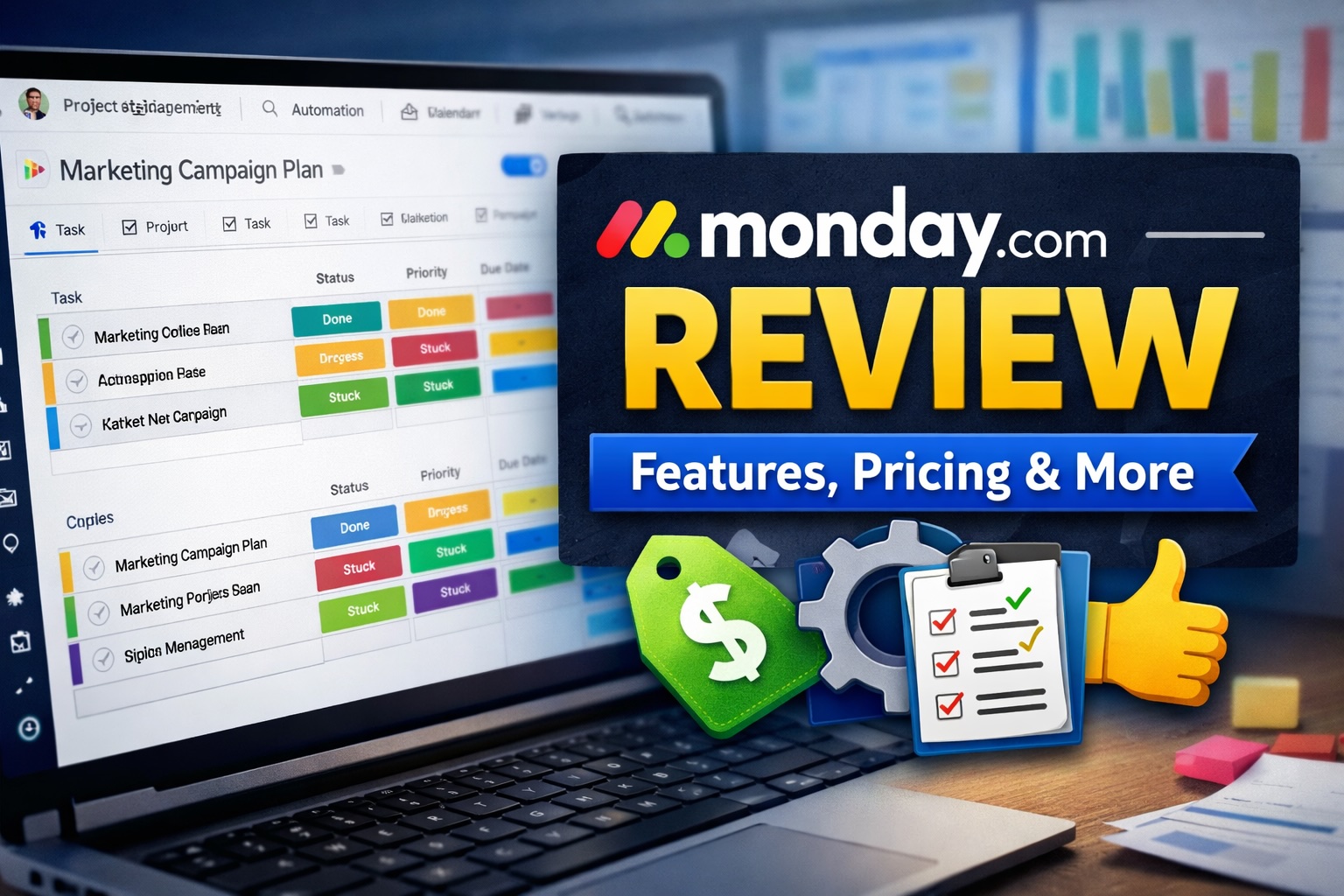
If you are searching for a structured way to manage projects, teams, and workflows, this Monday.com review will give you a clear, practical breakdown. I will walk through features, pricing, real use cases, and where it fits compared to alternatives so you can decide if it actually improves your workflow.
Monday.com is a work operating system that helps teams plan, track, and manage projects in a visual and customizable way. It combines task management, automation, and collaboration tools into one platform designed to streamline workflows across departments.
What Is Monday.com?
Monday.com is a cloud-based project management and workflow platform that allows teams to organize tasks, automate processes, and collaborate in real time. It is often described as a flexible system rather than a rigid tool, since users can build custom boards, workflows, and dashboards tailored to their operations.
Unlike traditional task managers, Monday.com focuses heavily on visual organization. Boards, timelines, and dashboards provide a clear overview of projects, which makes it particularly useful for teams that need transparency across multiple workflows.
The platform is used across industries, including marketing, software development, HR, and operations. It is not limited to one use case, which is both a strength and a challenge depending on how structured your team is.
Monday.com review: Core Features
To understand whether Monday.com is worth it, you need to look at how its features actually function in day to day work. Below are the core elements that define the platform.
Customizable Boards and Workflows
The foundation of Monday.com is its board system. Each board acts as a workspace where tasks, projects, or processes are tracked. You can customize columns for status, timelines, people, priorities, and more.
This flexibility allows you to build anything from a simple task list to a complex operational workflow. However, it also means there is a learning curve when setting things up correctly.
Automation
Automation is one of the strongest features. You can create rules like “when status changes to done, notify team” or “when deadline arrives, assign task.” These small automations reduce manual follow ups and repetitive work.
The system uses simple logic builders rather than code, which makes it accessible even if you are not technical.
Multiple Views
Monday.com allows you to view your data in different formats, including Kanban, calendar, timeline, and Gantt charts. This is useful for teams that need different perspectives on the same data.
For example, managers might use timeline views for planning, while team members prefer Kanban boards for execution.
Dashboards and Reporting
Dashboards let you combine multiple boards into one view, giving you high level insights across projects. You can track progress, workload, and deadlines in a centralized interface.
This is particularly useful for leadership teams that need oversight without digging into individual boards.
Integrations
Monday.com integrates with tools like Slack, Google Workspace, Zoom, and CRM platforms. These integrations help connect your workflow instead of forcing you to switch between systems constantly.
The ecosystem is solid, but some integrations are limited depending on your pricing tier.
Collaboration Tools
Each task or item includes updates, comments, and file attachments. This centralizes communication around work instead of spreading it across emails or chats.
It reduces confusion, especially in teams managing multiple projects simultaneously.
Monday.com review: Use Cases
Monday.com is not limited to one type of team. Its flexibility makes it applicable across several use cases.
- Project Management: Track tasks, deadlines, and responsibilities across teams.
- Marketing Campaigns: Plan content calendars, campaigns, and performance tracking.
- Sales Pipelines: Manage leads, deals, and customer relationships visually.
- HR and Recruitment: Track candidates, onboarding processes, and employee workflows.
- Operations: Build repeatable systems for internal processes and logistics.
Because of its adaptability, Monday.com works best when you define your workflow clearly. If your processes are unclear, the platform will not fix that by itself.
Monday.com Pricing
Monday.com pricing is structured in tiers, typically billed per user per month. While exact pricing may vary slightly, the general structure looks like this:
- Free Plan: Limited features for individuals or small teams
- Basic Plan: Core task management features
- Standard Plan: Adds automation, integrations, and timeline views
- Pro Plan: Advanced dashboards, automation, and reporting
- Enterprise: Custom solutions with security and governance features
One important consideration is that many key features, including automation and integrations, are locked behind higher tiers. This can increase costs quickly as your team scales.
If you are evaluating Monday.com pricing, it is worth mapping your required features first to avoid paying for unnecessary upgrades.
Monday.com Pros and Cons
Pros
- Highly customizable workflows that adapt to different teams
- Strong visual interface that improves clarity and organization
- Powerful automation features that reduce manual work
- Wide range of integrations with popular tools
- Scalable across small teams and larger organizations
Cons
- Pricing increases quickly as you add users and features
- Initial setup can be time consuming for complex workflows
- Some advanced features are locked behind higher tiers
- Can feel overwhelming for very simple use cases
The pros clearly show that Monday.com is a powerful system. However, the cons highlight that it is not always the simplest or cheapest option depending on your needs.
Monday.com vs Competitors
To fully evaluate Monday.com, it helps to compare it with other tools in the same category, such as Asana and ClickUp.
Monday.com vs Asana
Asana is known for its simplicity and structured task management. Compared to Monday.com, Asana is easier to start with but less flexible in terms of customization.
If you need a clean and straightforward system, Asana may be better. If you need customizable workflows and automation, Monday.com has the advantage.
Monday.com vs ClickUp
ClickUp offers a wide range of features at a lower price point. It is often seen as more cost effective but can feel more complex and less polished in its interface.
Monday.com provides a more user friendly experience, while ClickUp may offer better value if you are willing to deal with a steeper learning curve.
Overall, Monday.com positions itself between simplicity and flexibility, while competitors tend to lean more heavily in one direction.
FAQ
Is Monday.com good for small teams?
Yes, Monday.com works well for small teams, especially those that need structure and visibility. However, the pricing may become a consideration as the team grows.
How easy is it to learn Monday.com?
The basics are relatively easy to learn, but advanced setups require time. The platform’s flexibility means you need to understand how to structure workflows properly.
Does Monday.com replace other tools?
In some cases, yes. It can replace task managers and simple CRM systems. However, it may not fully replace specialized tools depending on your needs.
Is Monday.com worth it?
Monday.com is worth it if you need a flexible system to manage workflows and improve team coordination. If your needs are very simple, it might be more than necessary.
Can Monday.com be used for personal tasks?
Yes, but it may feel excessive for personal use. It is designed primarily for teams and collaborative workflows.
Is Monday.com Worth It?
Monday.com is worth considering if your workflow involves multiple people, moving parts, and deadlines. Its strength lies in giving structure to complex processes and making them visible.
However, if you are looking for a lightweight tool or have a very simple workflow, it might feel unnecessarily complex. In that case, alternatives could be more efficient.
The key question is not whether Monday.com is good, but whether your workflow actually benefits from its level of customization and control.
Final Verdict
Monday.com is a well designed and flexible platform that can significantly improve how teams manage work. Its customization, automation, and visual structure make it a strong option for growing teams and complex workflows.
That said, it requires time to set up properly and can become expensive as you scale. If you are willing to invest in structuring your processes, it can deliver real value.
Overall Rating: ★★★★☆ (4.5 / 5)
👉 Try Monday.com here and see if it fits your workflow