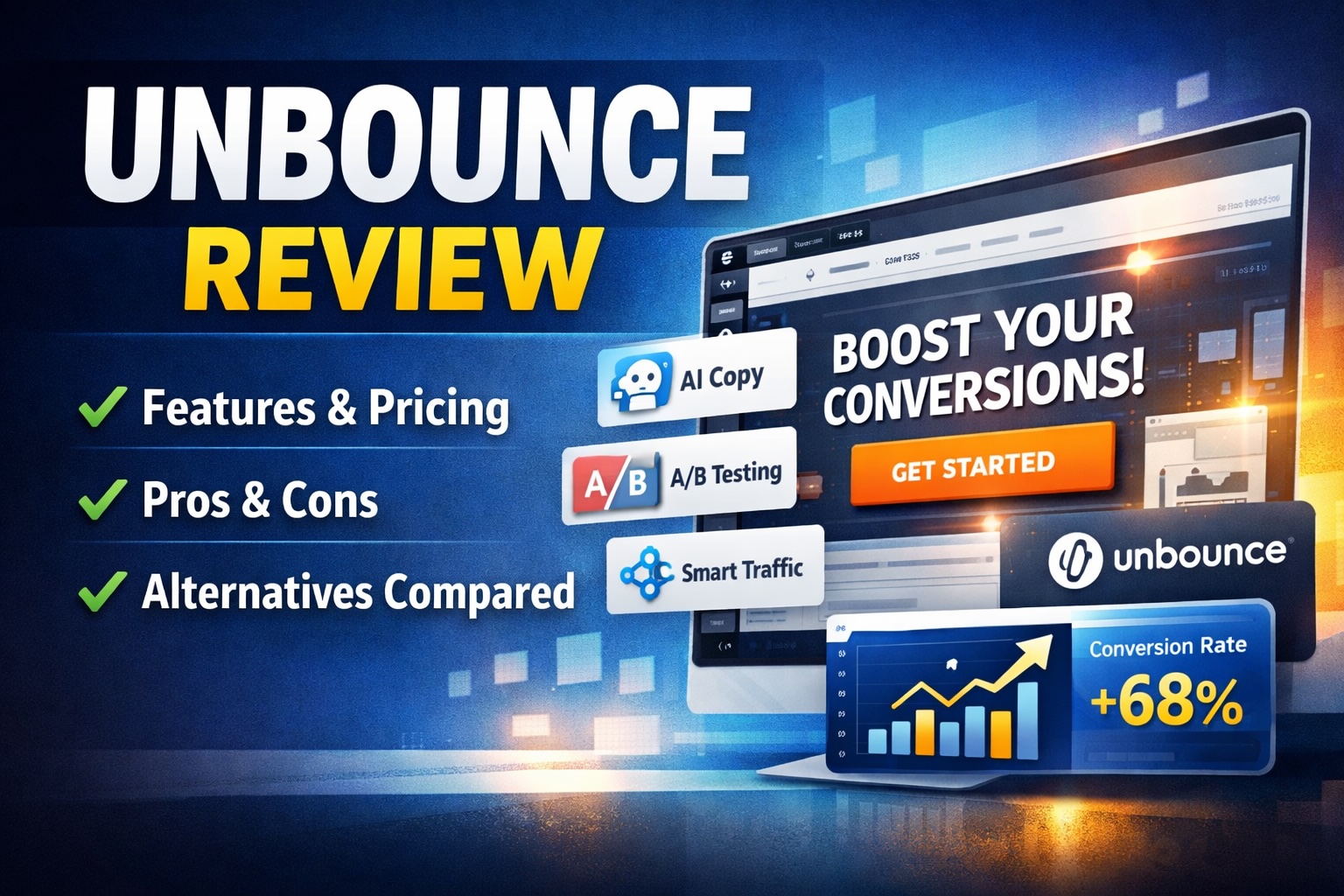
In this Unbounce review, I take a detailed look at one of the most established landing page builders on the market. If you are focused on conversion optimization, paid traffic, or lead generation, Unbounce is often one of the first tools that comes up. But is it still worth using in 2026, or have newer tools overtaken it?
What is Unbounce? Unbounce is a landing page and conversion optimization platform designed to help marketers build, test, and optimize high-converting pages without coding. It focuses on A/B testing, AI-driven optimization, and integrations with marketing tools to improve campaign performance.
What Is Unbounce?
Unbounce is a SaaS platform built specifically for marketers who want to create landing pages quickly and optimize them for conversions. Unlike general website builders, it is designed around one goal: turning traffic into leads or customers.
The platform offers a drag and drop builder, AI-powered copy suggestions, and tools like Smart Traffic that automatically route visitors to the best-performing page variant. It integrates with CRMs, email marketing tools, and analytics platforms, making it suitable for both small teams and larger marketing departments.
Over time, Unbounce has evolved from a simple landing page builder into a more complete conversion optimization suite, though its core strength remains focused on landing pages rather than full website creation.
Unbounce review: Core Features
When evaluating Unbounce features, it is important to understand that the platform is built for performance marketing. Each feature is designed to improve conversion rates rather than just design flexibility.
Drag and Drop Landing Page Builder
The builder allows complete design control without requiring code. You can place elements anywhere on the page, unlike grid-based builders that restrict layout. This flexibility is one of the reasons Unbounce remains popular among performance marketers.
That said, this freedom can also lead to inconsistent designs if you are not experienced. It is powerful, but not always beginner-friendly.
Smart Traffic
Smart Traffic is one of Unbounce’s most unique features. Instead of running traditional A/B tests, it uses machine learning to automatically send visitors to the variant most likely to convert.
This removes some of the manual testing process and can improve conversion rates faster than standard split testing. However, it requires sufficient traffic to perform well.
A/B Testing
Unbounce includes built-in A/B testing, allowing you to create multiple versions of a landing page and compare performance. This is a core feature for anyone running paid ads or optimizing funnels.
The testing interface is straightforward, though not as advanced as some dedicated experimentation platforms.
AI Copywriting Tools
Unbounce has introduced AI tools to help generate landing page copy. These are useful for brainstorming headlines and messaging, especially if you are launching campaigns quickly.
However, the quality can vary, and you will likely need to refine the output manually.
Popups and Sticky Bars
In addition to landing pages, Unbounce lets you create popups and sticky bars to capture leads across your website. These can be triggered based on user behavior, which adds another layer of conversion optimization.
This makes Unbounce more versatile than a simple page builder, though it is still not a full marketing automation platform.
Unbounce review: Use Cases
Unbounce is not for everyone. It is designed for specific types of users and workflows.
- Paid advertising campaigns: Create dedicated landing pages for Google Ads and social ads to improve conversion rates.
- Lead generation: Capture emails and inquiries with optimized forms and layouts.
- Agencies: Manage multiple client campaigns with scalable landing page creation.
- SaaS marketing: Build product-specific pages for trials and demos.
- Ecommerce campaigns: Promote specific products or offers with focused landing pages.
If your main goal is building a full website or blog, Unbounce is not the right tool. It is best used alongside a CMS rather than replacing one.
Unbounce Pricing
Unbounce pricing is based on conversions and traffic limits rather than just features. This means your cost will scale as your campaigns grow.
Plans typically include:
- Build plan: Entry-level option for small campaigns
- Experiment plan: Includes A/B testing and optimization tools
- Optimize plan: Adds Smart Traffic and advanced features
- Concierge plan: Designed for high-volume campaigns
Compared to alternatives, Unbounce can be relatively expensive, especially for beginners. However, for businesses running paid traffic, the cost can be justified if conversion rates improve.
If you are just starting out, the pricing may feel high compared to tools like Carrd or basic WordPress setups.
Unbounce Pros and Cons
Pros
- Highly flexible drag and drop builder
- Strong focus on conversion optimization
- Smart Traffic offers AI-driven improvements
- Built-in A/B testing capabilities
- Wide range of integrations with marketing tools
Cons
- Pricing can be high for small businesses
- Learning curve for beginners
- Not suitable as a full website builder
- AI features are helpful but not fully reliable
Overall, the pros and cons of Unbounce reflect its specialization. It is excellent at what it does, but it is not designed to be an all-in-one solution.
Unbounce vs Competitors
To fully evaluate whether Unbounce is worth it, it helps to compare it with other tools in the same space.
Unbounce vs Leadpages
Leadpages is often seen as a more beginner-friendly alternative. It offers simpler templates and lower pricing, making it attractive for small businesses.
However, Unbounce provides more flexibility and advanced optimization tools. If you are running serious paid campaigns, Unbounce is generally the stronger choice.
Unbounce vs Instapage
Instapage is closer to Unbounce in terms of positioning. It focuses heavily on enterprise users and offers advanced collaboration features.
Instapage can be more expensive, but it provides stronger personalization and analytics. Unbounce, on the other hand, offers a better balance between usability and performance for mid-sized teams.
If your focus is enterprise-level workflows, Instapage may be more suitable. For most marketers, Unbounce remains a solid middle ground.
FAQ
Is Unbounce good for beginners?
Unbounce can be used by beginners, but it is not the easiest tool to start with. The flexibility of the builder means there is a learning curve. Simpler tools may be better for first-time users.
How does Unbounce improve conversions?
Unbounce improves conversions through A/B testing, Smart Traffic, and optimized landing page design. These features help identify what works best and automatically adjust user experiences.
Does Unbounce include hosting?
Yes, Unbounce includes hosting for all landing pages. You can publish pages on a custom domain without needing separate hosting services.
What are the best Unbounce alternatives?
Popular alternatives include Leadpages, Instapage, and Webflow. The best choice depends on your budget, technical skills, and campaign requirements.
Is Unbounce worth it in 2026?
Unbounce is still worth it for marketers focused on paid traffic and conversions. If you need advanced optimization tools, it remains one of the stronger options available.
Is Unbounce Worth It?
Whether Unbounce is worth it depends on how you plan to use it. If you are running paid campaigns or need high-converting landing pages, it offers real value.
However, if you are looking for an all-in-one website builder or a budget solution, there are better alternatives. The pricing and specialization make it less suitable for casual users.
For serious marketers, the investment can pay off through improved conversion rates.
Final Verdict
Unbounce remains a strong choice in the landing page and conversion optimization space. Its combination of flexibility, testing tools, and AI features makes it well-suited for performance-driven marketing.
It is not the cheapest option, and it requires some experience to use effectively. But for the right user, it can deliver measurable improvements in campaign performance.
Overall Rating: ★★★★☆ (4.5 / 5)
👉 Try Unbounce here and see if it fits your workflow