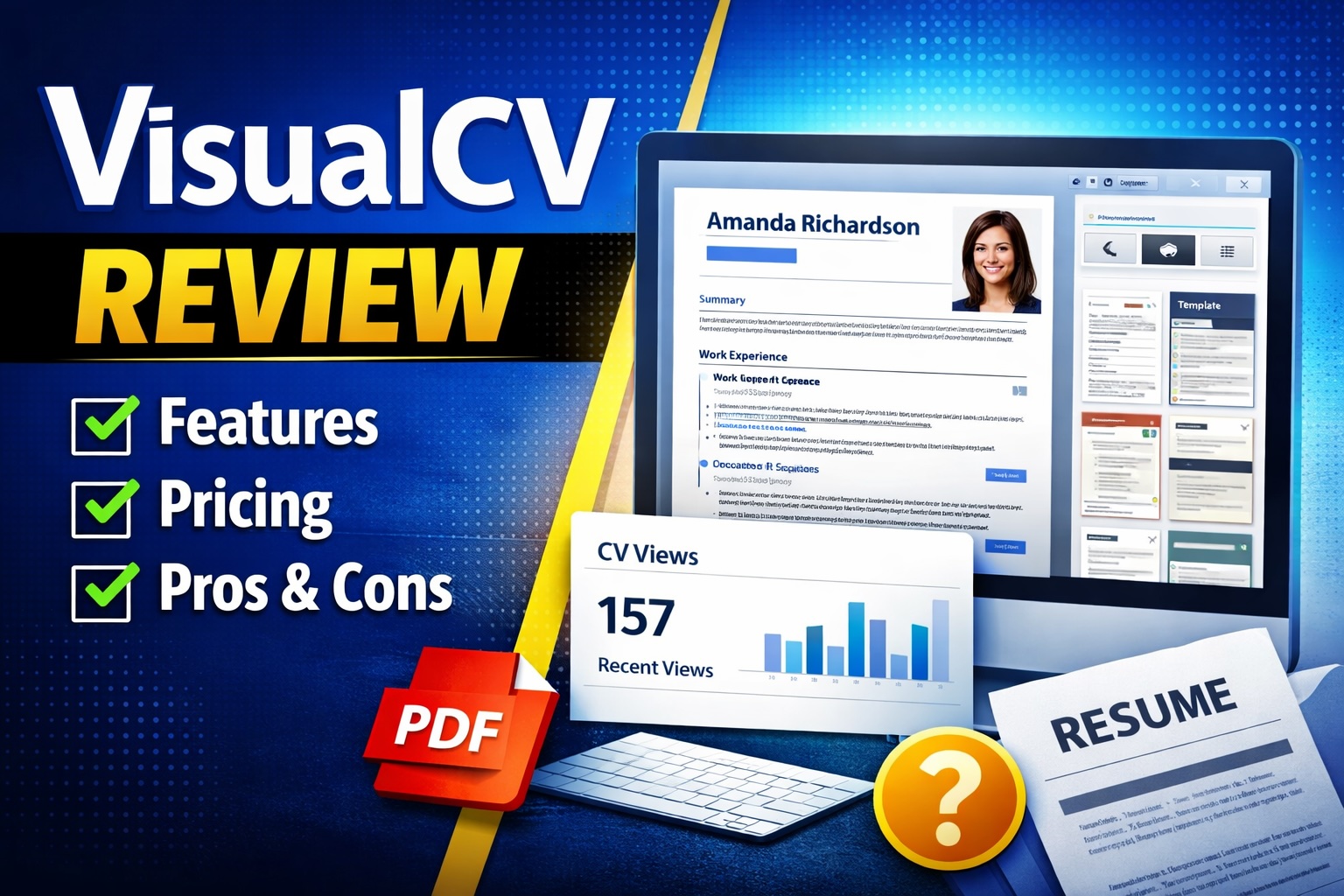
In this VisualCV review, I take a detailed look at how the platform performs as a modern resume builder for professionals, job seekers, and freelancers. With growing competition in the CV builder space, tools like VisualCV promise speed, flexibility, and better presentation. But does it actually deliver in real use cases?
VisualCV is an online resume and portfolio builder that helps users create, customize, and share professional CVs using modern templates, analytics, and simple editing tools.
What Is VisualCV?
VisualCV is a web based resume builder designed to help individuals create polished CVs quickly without needing design or formatting skills. It offers customizable templates, analytics on CV views, and the ability to host resumes online through shareable links.
The platform is used by job seekers across industries, including entry level candidates, experienced professionals, and freelancers who want to present their work in a structured and visually appealing format.
Unlike traditional document editors, VisualCV focuses specifically on resumes and portfolios. It simplifies formatting, provides pre built layouts, and allows users to maintain multiple versions of their CV for different job applications.
If you are evaluating VisualCV worth it or comparing resume builders, it sits somewhere between basic template tools and more advanced career platforms.
VisualCV review: Core Features
To understand whether VisualCV is a strong option, it is important to break down its core features. These are the elements that define the platform and its usability.
1. Resume Builder with Templates
VisualCV provides a collection of professionally designed templates. These templates are structured for different industries and experience levels. Users can easily input their information and adjust layout sections such as work experience, education, and skills.
The editing experience is straightforward. You do not need design knowledge, and formatting remains consistent across the document.
2. Multiple CV Versions
One of the more practical features is the ability to create multiple versions of a CV. This is useful when applying for different roles where tailoring content is necessary.
Instead of rewriting everything from scratch, users can duplicate and modify existing versions. This reduces time spent on repetitive editing.
3. Online CV Hosting
VisualCV allows users to publish their CV online and share it through a link. This is particularly useful for freelancers or professionals who want a portfolio style presentation.
The hosted CV is optimized for readability and can be accessed across devices. It removes the need to send attachments in many cases.
4. Analytics and Tracking
Another feature that stands out is CV analytics. Users can track how many times their CV has been viewed. This provides a basic level of feedback on whether applications are being opened.
While it does not go deep into recruiter behavior, it adds a layer of insight that traditional resumes do not offer.
5. PDF Export
VisualCV supports exporting resumes as PDF files. This is essential for job applications that require attachments. The formatting remains consistent and professional.
This combination of online and offline formats makes the tool flexible depending on application requirements.
Overall, VisualCV features focus on simplicity, accessibility, and presentation rather than advanced automation or AI driven writing.
VisualCV review: Use Cases
VisualCV is not designed for one specific type of user. Its flexibility allows it to serve multiple audiences depending on how it is used.
Job Seekers
For job seekers, VisualCV simplifies resume creation and ensures a clean layout. The ability to create multiple versions is especially useful when applying to different companies.
Freelancers and Creatives
Freelancers can use VisualCV as a lightweight portfolio tool. The online hosting feature allows them to share work experience and skills through a simple link.
Professionals Updating Their CV
Experienced professionals who need a quick refresh of their CV can use VisualCV to modernize their presentation without starting from scratch.
Students and Graduates
Students entering the job market benefit from structured templates that guide them on what to include. This reduces uncertainty around formatting and content organization.
If you are searching how to use VisualCV, the process is generally intuitive. You select a template, fill in your details, customize sections, and export or share your CV.
VisualCV Pricing
VisualCV pricing follows a freemium model. There is a free version and a paid subscription tier.
Free Plan:
- Limited templates
- Basic CV creation
- VisualCV branding on exported files
Pro Plan:
- Access to all templates
- Unlimited CV versions
- PDF downloads without branding
- Advanced customization options
- Analytics features
Pricing can change, so it is best to verify current costs on the official website. Compared to competitors, VisualCV sits in a mid range pricing category.
For users evaluating VisualCV pricing against alternatives, the key consideration is whether template access and analytics justify the subscription.
Pros and Cons
Pros
- Clean and professional templates
- Easy to use interface with minimal learning curve
- Ability to create multiple CV versions
- Online hosting and shareable links
- Basic analytics for tracking CV views
Cons
- Limited features in the free version
- No advanced AI writing assistance compared to newer tools
- Customization options are somewhat restricted compared to design focused platforms
These VisualCV pros and cons reflect a tool that prioritizes simplicity over advanced functionality. Whether that is a benefit or limitation depends on your needs.
VisualCV vs Competitors
To understand VisualCV alternatives, it is useful to compare it with other resume builders in the market.
VisualCV vs Canva
Canva offers more design flexibility and a larger template library. It is better suited for users who want full creative control over layout and visuals.
VisualCV, on the other hand, is more structured. It focuses on ease of use and consistency. If your priority is speed and simplicity, VisualCV is the better option. If you want design freedom, Canva is stronger.
VisualCV vs Resume.io
Resume.io provides a similar experience with guided resume creation and templates. It often includes more writing assistance and content suggestions.
VisualCV stands out with its online hosting and analytics features. Resume.io focuses more on structured writing support. The choice depends on whether you value presentation and sharing or writing guidance.
When comparing VisualCV alternatives, it becomes clear that the platform is positioned as a balanced option rather than a specialized one.
FAQ
Is VisualCV free to use?
Yes, VisualCV offers a free plan with basic features. However, it includes limitations such as restricted templates and branding on exports. The paid plan unlocks full functionality.
Can I download my resume as a PDF?
Yes, VisualCV allows PDF downloads. This feature is essential for job applications. Full access to clean exports without branding typically requires a paid subscription.
Does VisualCV use AI to write resumes?
VisualCV does not focus heavily on AI writing features. It is more of a formatting and presentation tool rather than a content generation platform.
Is VisualCV good for freelancers?
Yes, freelancers can benefit from the online hosting feature. It allows them to share a portfolio style CV through a link, which can be useful for client outreach.
Is VisualCV worth it?
VisualCV is worth it if you value simplicity, clean design, and easy sharing. If you need advanced customization or AI writing, other tools may be more suitable.
Is VisualCV Worth It?
Whether VisualCV is worth it depends on your priorities. If your goal is to quickly create a professional looking CV without dealing with formatting issues, it performs well.
It does not attempt to be an all in one career platform. Instead, it focuses on delivering a reliable resume building experience with a few practical extras like analytics and online sharing.
For users who need simplicity and speed, it is a strong option. For those looking for deeper customization or AI driven writing assistance, it may feel limited.
Final Verdict
VisualCV delivers a clean, focused resume building experience. It avoids unnecessary complexity and provides just enough functionality to cover most professional use cases.
It is not the most advanced tool on the market, but it is reliable and easy to use. For many users, that balance is exactly what is needed.
Overall Rating: ★★★★☆ (4.0 / 5)
👉 Try VisualCV here and see if it fits your workflow